64 Audio Cable with Mic
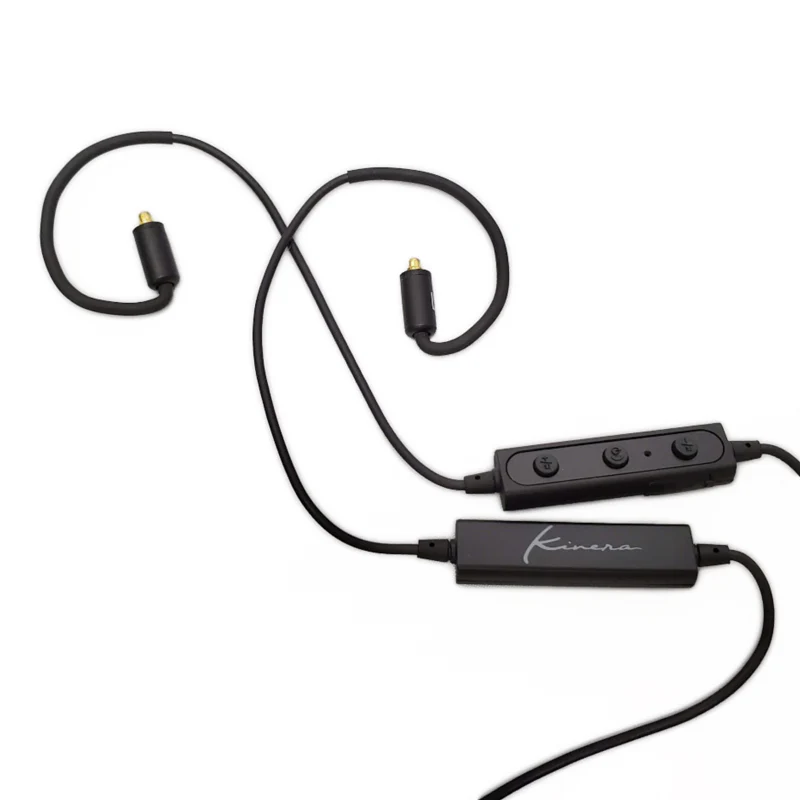
Our Cable with Mic makes it easy to control your music and take phone calls on the go.
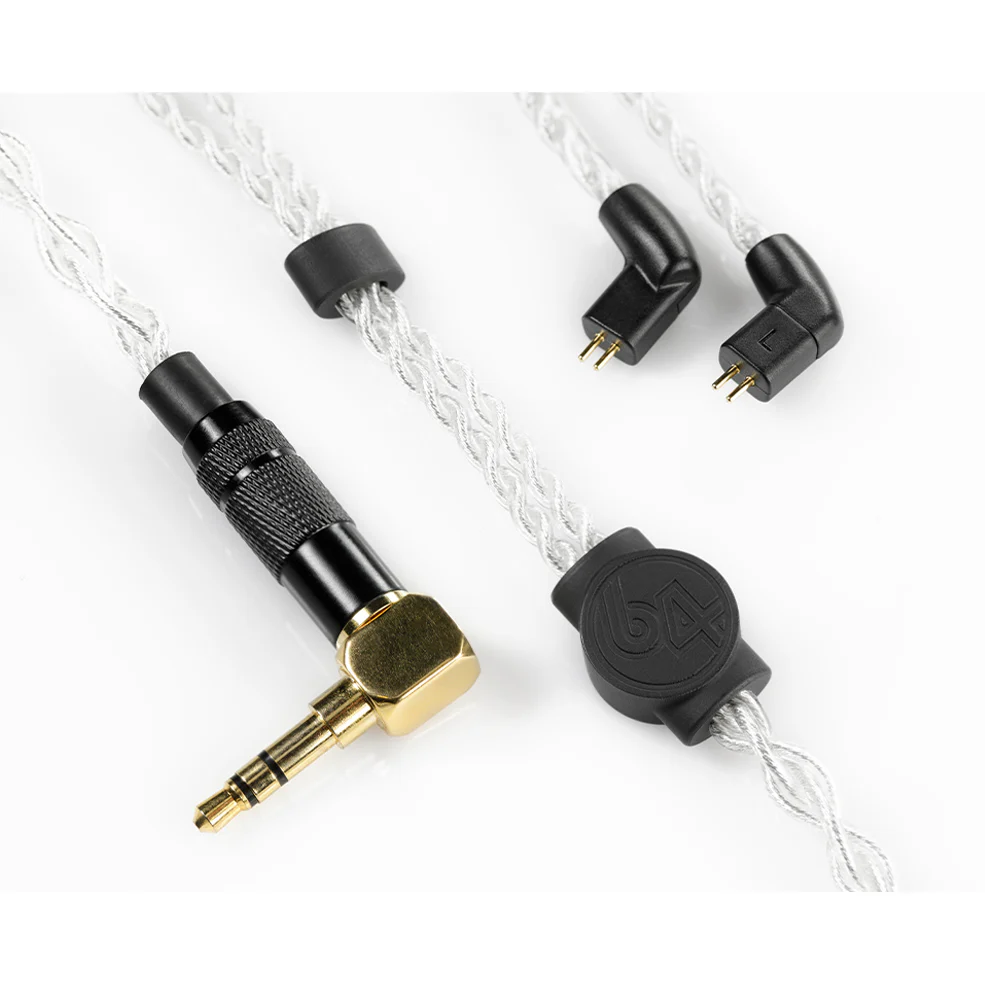
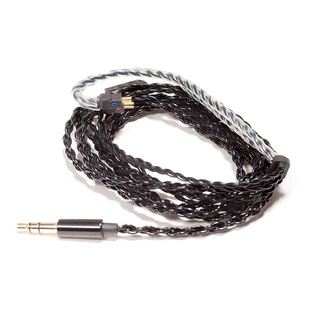
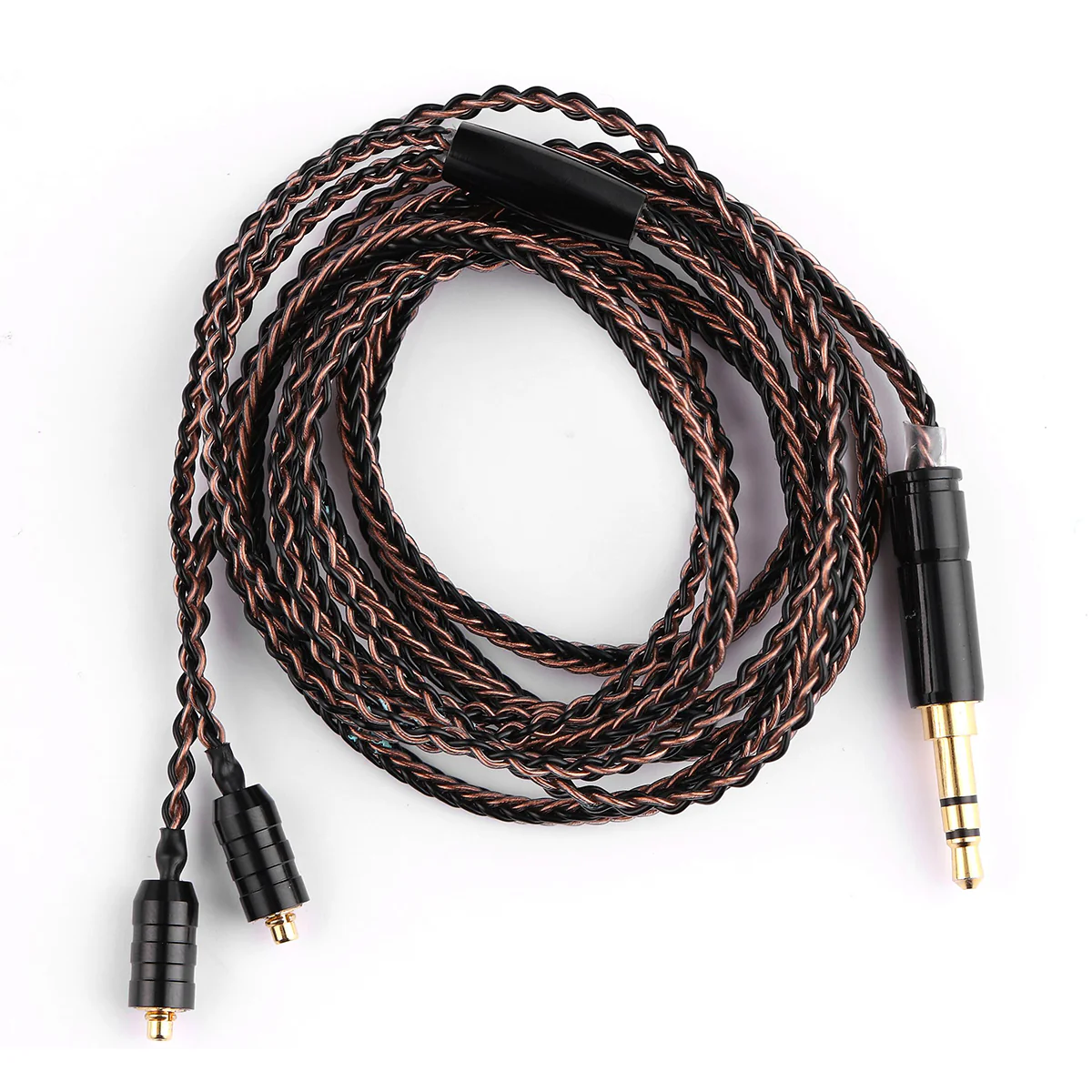
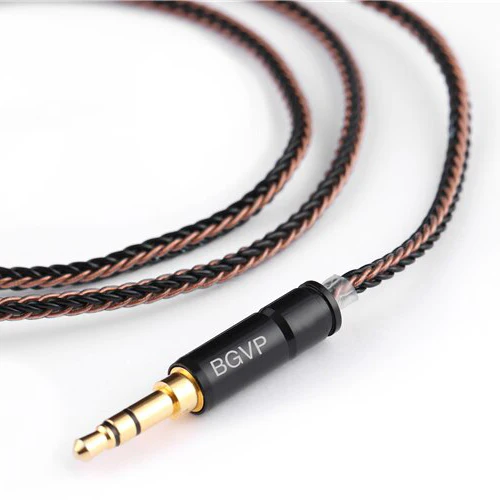
This 48"” cable comes in a beautiful soft touch black finish. It features our IPX and 2-pin connectors with a four-conductor TRRS 3.5mm audio jack. This jack may not work with audio equipment that doesn’t support the TRRS connector. Because of this, all Cable with Mic accessories come with the Mic Cable Adapter.
When replacing the cable, notice that each connector is marked with a red or blue dot. Attach each side with the colored dot facing up. Red=Right, Blue=Left
This cable is compatible with all of our in-ear monitors, including our A-Series, U-Series, and legacy V-Series IEMs.
How To Use The Controls On The Cable With Mic:
Volume Control: Press the two buttons on either side of the center button to bring the volume up and down while listening to music or on a call.
Music Controls: A short press of the button will pause your music or resume music playback. Two short presses will skip to the next music track.
Call Controls: A short press of the button will accept the incoming call and another press will end the call.
Voice Controls: Press and hold the button until your phone’s voice assistant turns on. Android devices may require you to press and hold the button an additional time once the voice assistant is on before commands can be spoken.
More Images


64 Audio Cable with Mic
Our Cable with Mic makes it easy to control your music and take phone calls on the go.
This 48"” cable comes in a beautiful soft touch black finish. It features our IPX and 2-pin connectors with a four-conductor TRRS 3.5mm audio jack. This jack may not work with audio equipment that doesn’t support the TRRS connector. Because of this, all Cable with Mic accessories come with the Mic Cable Adapter.
When replacing the cable, notice that each connector is marked with a red or blue dot. Attach each side with the colored dot facing up. Red=Right, Blue=Left
This cable is compatible with all of our in-ear monitors, including our A-Series, U-Series, and legacy V-Series IEMs.
How To Use The Controls On The Cable With Mic:
Volume Control: Press the two buttons on either side of the center button to bring the volume up and down while listening to music or on a call.
Music Controls: A short press of the button will pause your music or resume music playback. Two short presses will skip to the next music track.
Call Controls: A short press of the button will accept the incoming call and another press will end the call.
Voice Controls: Press and hold the button until your phone’s voice assistant turns on. Android devices may require you to press and hold the button an additional time once the voice assistant is on before commands can be spoken.
Product Information
Product Information
Shipping & Returns
Shipping & Returns
Description
Our Cable with Mic makes it easy to control your music and take phone calls on the go.
This 48"” cable comes in a beautiful soft touch black finish. It features our IPX and 2-pin connectors with a four-conductor TRRS 3.5mm audio jack. This jack may not work with audio equipment that doesn’t support the TRRS connector. Because of this, all Cable with Mic accessories come with the Mic Cable Adapter.
When replacing the cable, notice that each connector is marked with a red or blue dot. Attach each side with the colored dot facing up. Red=Right, Blue=Left
This cable is compatible with all of our in-ear monitors, including our A-Series, U-Series, and legacy V-Series IEMs.
How To Use The Controls On The Cable With Mic:
Volume Control: Press the two buttons on either side of the center button to bring the volume up and down while listening to music or on a call.
Music Controls: A short press of the button will pause your music or resume music playback. Two short presses will skip to the next music track.
Call Controls: A short press of the button will accept the incoming call and another press will end the call.
Voice Controls: Press and hold the button until your phone’s voice assistant turns on. Android devices may require you to press and hold the button an additional time once the voice assistant is on before commands can be spoken.